Creates a quadrille with the chess board position described by the given FEN.
Example 1
edit, then run
Note
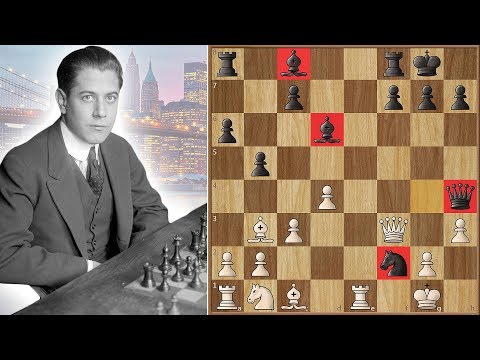
Capablanca vs Marshall, 1918 – The Birth of the Marshall Attack
This iconic game, played in New York in 1918, marked the debut of the Marshall Attack in top-level play. Frank Marshall unveiled his long-prepared gambit against José Raúl Capablanca, sacrificing a pawn for dynamic counterplay in the Ruy López. Despite the sharp attack, Capablanca defended flawlessly and won—cementing both the opening's legacy and his own positional brilliance.
agadmator's Chess Channel — Marshall saved his famous weapon for 8 years
Example 2: Custom Chess Symbols with Chess.com Colors
edit, then run
Note
Custom Symbols and Colors
This example uses chess.com board colors and custom symbols such as emojis or images (any valid JavaScript value). You can assign a plain object or Map to Quadrille.chessSymbols for partial updates, and reverse lookup is always available through the Quadrille.chessKeys getter.
Note
Default Chess Symbols and Keys
By default, the following FEN → symbol pairs are used: